Environments
The Environments management interface allows you to monitor different deployment environments that serve as instances for deploying, testing, and monitoring APIs. These environments are critical to ensure the seamless transition of APIs from the development to production phase, facilitate rigorous testing, and enable efficient monitoring of API performance and behavior. The environments give users centralized control over the entire API lifecycle, streamlining the management process and improving operational efficiency.
All your Environments
All environments are listed with the following details:
-
Name: The designated name of the environment (e.g., "AWS", "Azure").
-
Pinned: This column shows whether the environment is pinned for quick access, with a green pin icon indicating it is pinned.
-
Stage: Indicates the stage of deployment, with all listed as PRODUCTION in this view.
-
Agent: Denotes if a monitoring agent is associated with the environment.
-
Status: Reflects the current operational status of the environment. The Register Gateway button allows users to add new Gateways and associated environments to the platform.
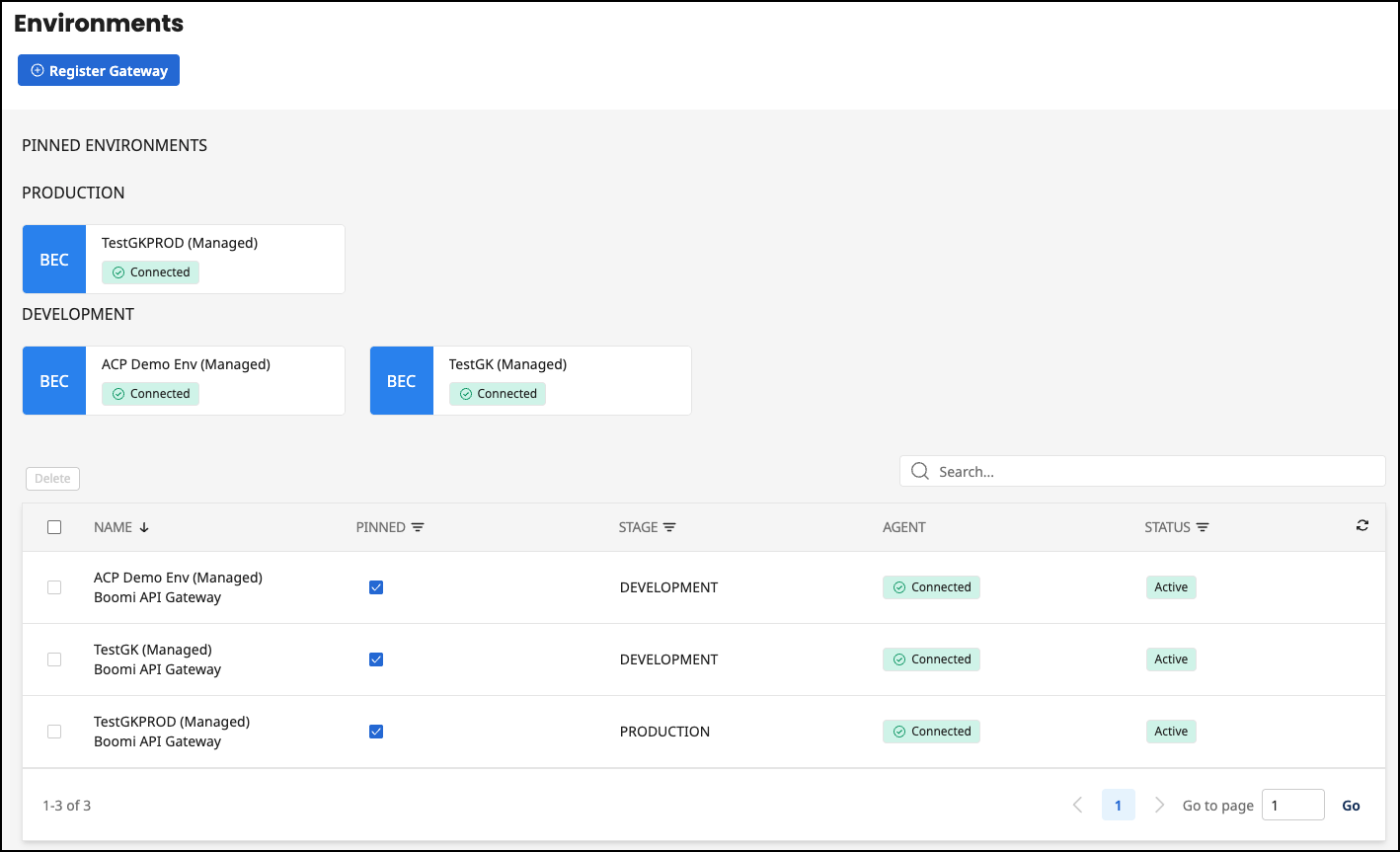
Pinned Environments Section
At the top, the PINNED ENVIRONMENTS section highlights key environments for quick access. Environments such as AWS and Azure are displayed with a clear indication of whether they have an associated monitoring agent. The presence of an Agent status suggests the possibility of enhanced monitoring features for the respective environment. Users can manage these pinned environments, including removing them by clicking the Delete button.
You cannot delete Boomi-managed environments. Refer to Gateway Configuration for more information.
Detailed View Navigation Bar
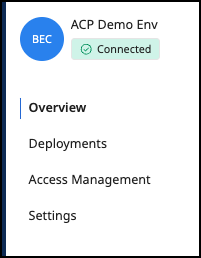
Clicking on an environment takes you to the detailed view of this environment. This detailed view contains a further navigation bar with these options.
-
Overview: Shows a general summary.
-
Deployments: Shows all deployments in this environment.
-
Access Management: Which organizations are allowed to subscribe to or publish their APIs and API products.
-
Settings: Where configuration settings for the environment are managed.
Register a new Gateway
Select the Register Gateway button and follow the wizard.
See Connect your Environments for more information.
